
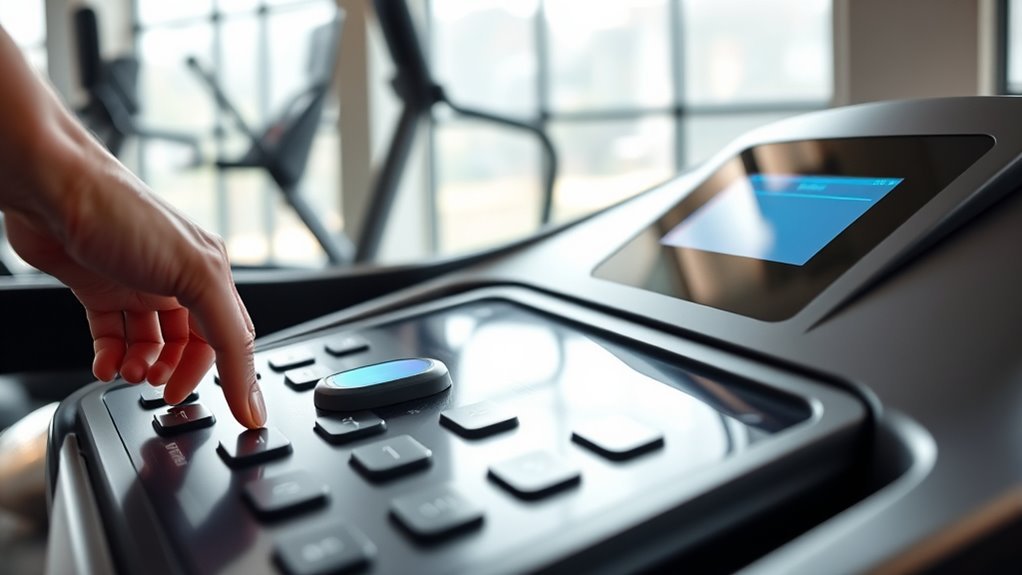
How to Reset a Treadmill in 10 Easy Steps
To reset your treadmill, start by locating and switching off the power button. Then unplug it from the outlet to ensure it’s completely powered down. Wait a few minutes—this helps the machine reset fully and clears any glitches.
Next, look around the motor or console area for a reset button. When you find it, press and hold it for several seconds until the display responds. This step is key to rebooting your treadmill’s system.
After that, plug your treadmill back in and switch the power on. Check if the console is working properly. You might need to calibrate the belt and test the functions to make sure everything runs smoothly. Keep exploring to get the full step-by-step process!
Key Takeaways
- Turn off the treadmill and unplug it from the power outlet to ensure complete power down.
- Locate and press the reset button near the motor cover or console panel for 3-5 seconds until confirmation.
- Reconnect the power cord securely and switch the treadmill back on, confirming normal startup without error messages.
- Calibrate the belt by adjusting rear bolts and test belt alignment and speed after powering on.
- Perform a brief workout to verify belt movement, display responsiveness, and sensor accuracy post-reset.
Locate the Power Switch

Before you can reset your treadmill, you need to locate the power switch. Typically, this switch is found near the base of the treadmill, often on the frame close to the motor cover.
Locate the power switch near the treadmill’s base, usually on the frame by the motor cover.
It might be a red or black toggle or a rocker switch. If you don’t see it immediately, check both sides of the treadmill’s base or near the front.
Some models have a safety key that doubles as a power control, so look for a small, removable key on the console area. Make sure you clearly identify the switch before proceeding.
Knowing exactly where the power switch is will help you perform the reset safely and effectively without accidentally damaging the machine or risking injury.
Unplug the Treadmill From the Outlet
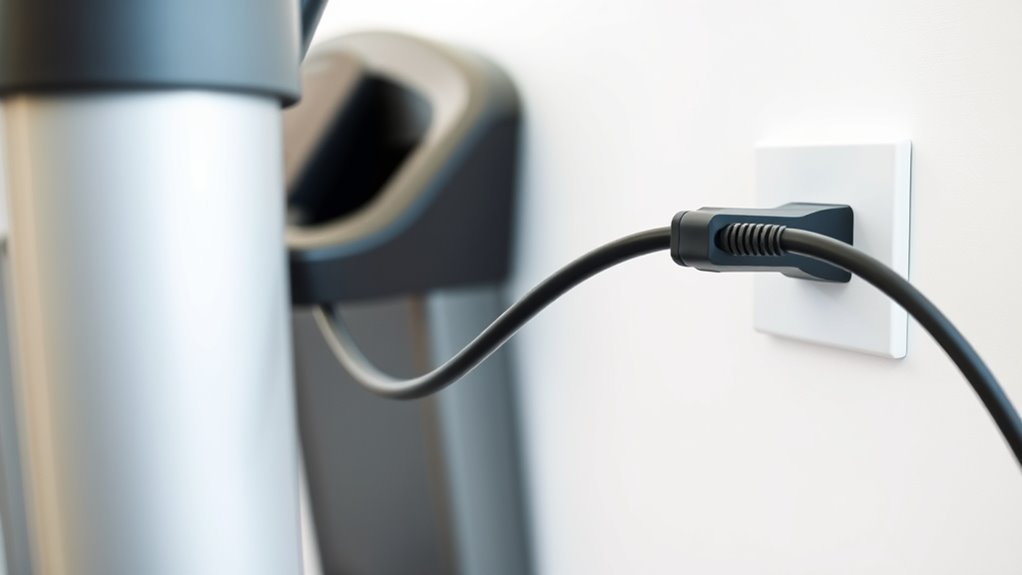
Although you’ve located the power switch, you still need to unplug the treadmill from the outlet to guarantee it’s completely powered down. This step is essential because some treadmills retain power even when switched off.
Unplugging disconnects the electrical supply entirely, ensuring the machine resets properly. Reach behind the treadmill, locate the power cord plugged into the wall socket, and firmly pull it out.
Avoid yanking the cord itself; instead, grip the plug to prevent damage. Once unplugged, the treadmill won’t receive any electrical current, which is necessary before performing any maintenance or reset.
This simple action helps protect the electronics and can resolve minor glitches by cutting all power sources. Always prioritize safety by ensuring the treadmill is unplugged before proceeding.
Wait for the Treadmill to Fully Power Down

After unplugging your treadmill, make certain it fully powers down by waiting a few minutes. This pause ensures the machine completely resets and clears any residual energy.
Only then should you reconnect the power and restart the treadmill. It’s a simple step, but it really helps keep everything running smoothly.
Ensure Complete Shutdown
To guarantee your treadmill resets properly, you’ll want to wait until it completely powers down. This means observing the display and control panel until all lights go off and the screen is entirely blank.
Don’t rush this step; a partial shutdown can cause the reset process to fail or lead to errors. Confirm any residual sounds or movements have stopped before proceeding.
If the treadmill has a cooling fan, wait until it ceases running as well, since it indicates the machine is still active. Taking this moment guarantees the internal systems fully reset.
Once the treadmill is entirely off, you’re ready to move forward with the next reset steps confidently, knowing the machine is in the proper state.
Disconnect Power Source
How do you guarantee your treadmill is completely disconnected from power? First, unplug the treadmill from the wall outlet. Don’t just rely on the power switch; unplugging ensures no residual current remains.
Next, wait patiently for the treadmill to fully power down. This pause lets internal components reset safely. Avoid pressing any buttons during this time.
Here’s a quick reminder of what to do and why:
| Action | Reason |
|---|---|
| Unplug from outlet | Cuts off all electrical power |
| Avoid power switch only | Switch may not disconnect all power |
| Wait for full shutdown | Ensures internal electronics reset |
| Don’t press buttons | Prevents interfering with reset process |
Following these steps helps protect your treadmill and prepares it for a proper reset.
Wait Before Restarting
While your treadmill is unplugged, give it a few minutes to fully power down before attempting to restart. This pause allows any residual electrical charge to dissipate and resets the internal systems properly.
Rushing to plug it back in could result in incomplete resets or persistent errors. Use this time to check for any visible issues like loose parts or debris.
Once you wait at least five minutes, plug the treadmill back into the power source securely. Then, power it on and observe if it boots up normally without error messages.
If problems persist, repeat the wait-and-restart process or consult the user manual for further troubleshooting steps. Patience during this waiting period guarantees a more effective treadmill reset.
Check for a Reset Button or Switch
Where can you find the reset button or switch on your treadmill? Usually, it’s located in one of a few common spots, so you’ll want to check carefully before proceeding.
Here’s where to look: Near the power cord connection at the back or side of the treadmill. On the motor cover, often a red or black button or switch.
You might also find it underneath the treadmill deck or near the belt area. Sometimes it’s inside the console panel, hidden behind a small removable cover.
Locating this button or switch is essential because it allows you to reset the machine safely and efficiently. If you can’t find it, no worries — just consult your treadmill’s manual or manufacturer website for specific guidance tailored to your model.
This step guarantees you’re ready for the next phase of resetting.
Press and Hold the Reset Button
Once you’ve located the reset button, press and hold it firmly for several seconds to initiate the reset process. This action signals the treadmill’s system to clear any errors and restart its functions.
Keep your finger steady until you notice a change, such as a beep or a display reset.
Here’s a quick guide:
| Step | Action | Tip |
|---|---|---|
| 1 | Locate reset button | Usually red or black |
| 2 | Press and hold | Hold for 3-5 seconds |
| 3 | Watch for response | Look for display change |
Pressing and holding the reset button correctly ensures your treadmill moves past glitches smoothly. So, you can get back to your workout without delay.
Reconnect the Power Cord Securely
After resetting the treadmill, make sure you reconnect the power cord securely to restore electrical flow and prevent any interruptions during use. A loose connection can cause the machine to shut off unexpectedly or fail to operate.
Here are some tips to ensure a proper connection:
- Inspect the power cord for any visible damage or frayed wires before plugging it in.
- Align the plug with the socket carefully to avoid bending the prongs.
Push the cord firmly into the outlet until you feel it click or fit snugly. Also, use a grounded outlet to reduce the risk of electrical issues or shorts.
Taking these steps helps maintain a stable power supply and enhances your treadmill’s performance and safety. It’s a simple way to keep things running smoothly!
Turn the Power Switch Back On
Now that the power cord is securely reconnected, find the power switch on your treadmill. Flip the switch to the “On” position to restore power.
This simple step gets your treadmill ready for use again. Easy, right? Just a quick flip, and you’re good to go!
Locate the Power Switch
Where exactly is the power switch located on your treadmill? Finding it is the first step to turning your machine back on safely. Usually, the power switch is near the base of the treadmill or on the motor housing.
To locate it quickly, check these common spots:
- Near the treadmill’s front base, close to the power cord
- On the side or underside of the motor cover
- At the back of the treadmill, near the electrical outlet connection
- Along the frame beneath the running deck
Knowing the correct location helps prevent unnecessary disassembly or damage. Once you find the switch, you’ll be ready to continue with resetting your treadmill. Keep this in mind for smooth operation and easy future access.
Flip Switch to On
Once you’ve located the power switch on your treadmill, the next step is to flip it to the “On” position. This switch is usually found near the power cord or on the base of the treadmill.
Make sure you flip it firmly but gently to avoid damaging the switch. Turning the power back on restores electricity to the machine, allowing it to reboot.
After flipping the switch, watch for any indicator lights or display screens that confirm the treadmill is receiving power. If nothing appears, double-check the switch position and the power source.
Once powered on, your treadmill should be ready for the next reset steps or normal use. Always ensure your hands are dry to prevent any electrical hazards when flipping the switch.
Calibrate the Treadmill Belt if Needed
If you notice your treadmill belt slipping or running unevenly, you’ll need to calibrate it to restore smooth operation. Calibration ensures the belt stays centered and moves at the correct speed. Here’s how to do it effectively:
Calibrate your treadmill belt to keep it centered and running smoothly at the right speed.
First, turn off and unplug the treadmill to ensure safety. Then, locate the adjustment bolts at the back of the treadmill belt.
Use a hex wrench to turn the bolts. Tightening on one side shifts the belt towards the opposite side.
Next, plug in and turn the treadmill on. Test the belt’s alignment and speed, adjusting bolts as needed.
Calibrating the belt regularly prevents wear and keeps performance at its best. This way, you can avoid interruptions during your workouts.
Test the Treadmill Console and Buttons
Before you start your workout, you should test the treadmill console and buttons to verify everything responds correctly. Begin by turning on the treadmill and observing the display for any error messages or unusual behavior.
Press each button individually—start, stop, speed up, slow down, incline controls, and program selections—to ensure they register your input promptly. Check that the screen updates accordingly and that no buttons stick or fail to respond.
If the console includes a touchscreen, tap various options to confirm responsiveness. Testing these controls now helps you catch issues early, ensuring a smooth, safe workout later.
If you notice unresponsive buttons or display glitches, you might need to reset the console again or consult the user manual for troubleshooting specific to your model.
Perform a Short Workout to Confirm Reset
After resetting your treadmill, start with a brief warm-up to ease into the workout. Keep an eye on the speed settings to make sure they respond correctly.
Don’t forget to check your heart rate to confirm the sensors are working properly. It’s a quick way to make sure everything’s running smoothly before you dive into a full session.
Start With Warm-Up
Once you’ve completed the reset process, start with a brief warm-up to make sure everything functions properly. This gentle start helps you gauge if the treadmill responds smoothly and safely after the reset.
Here’s how to approach your warm-up:
- Begin walking at a slow pace to test the belt’s movement and alignment. Gradually increase speed slightly to check for any unusual noises or resistance.
- Observe the display panel for accurate readings and responsiveness. Pay attention to the treadmill’s stability and motor function during the warm-up.
Monitor Speed Settings
Now that you’ve warmed up and confirmed the treadmill runs smoothly, focus on monitoring the speed settings during a short workout. Start by gradually increasing the speed to a comfortable pace and observe if the treadmill responds accurately.
Pay attention to any lag or sudden jumps in speed, which may indicate that the reset didn’t fully take effect. Keep your speed adjustments steady and deliberate, ensuring the display matches the actual belt movement.
If you notice inconsistencies, repeat the reset process or consult the manual for troubleshooting tips. This short workout helps confirm the treadmill’s controls are reliable, letting you trust its performance during longer sessions.
Once you’re confident the speed settings are stable, you can proceed with your regular exercise routine.
Check Heart Rate
How accurately does your treadmill track your heart rate during exercise? After resetting, it’s essential to perform a short workout to confirm the heart rate monitor is working properly.
Start by warming up for a few minutes, then increase your pace moderately. As you exercise, watch for these signs to verify correct heart rate tracking:
- Consistent pulse readings matching your exertion level
- Smooth progressions in heart rate as you change speed
- No sudden drops or spikes unrelated to your activity
- Responsive display that updates in real time
If your treadmill meets these criteria, the reset was successful. Otherwise, you might need to recalibrate the sensors or consult the manual for troubleshooting.
This quick check helps you trust your equipment for safe, effective workouts. Easy, right?
Frequently Asked Questions
How Often Should I Reset My Treadmill for Maintenance?
You should reset your treadmill whenever it acts up or after heavy use to keep it running smoothly.
Regularly resetting every few months during maintenance helps clear errors and guarantees ideal performance without hassle.
Can Resetting Erase My Workout History or Settings?
Yes, resetting your treadmill can erase your workout history and settings.
If you want to keep that data, back it up first or check your manual for a reset option that preserves your information before proceeding.
What Should I Do if the Treadmill Won’t Reset?
If your treadmill won’t reset, don’t despair or despair again; first, unplug it, wait a minute, then plug it back in.
If that fails, check the manual or call customer support—they’re your lifeline to motion!
Is It Safe to Reset the Treadmill During Use?
No, you shouldn’t reset the treadmill while using it because it can cause sudden stops or malfunctions, risking injury.
Always stop the machine completely and step off before performing any reset or maintenance steps for your safety.
It’s just safer that way. You don’t want to take any unnecessary risks when you’re working out.
Will Resetting Fix All Treadmill Error Codes?
No, resetting won’t fix all treadmill error codes. It can clear minor glitches, but persistent or hardware-related errors need proper troubleshooting or professional service to resolve the issue effectively.
Don’t rely on reset alone. Sometimes, the problem is more complex and requires a deeper look. So, if the error keeps showing up, it’s best to get help from a technician.
Conclusion
Now that you know how to reset your treadmill in just 10 easy steps, you’re ready to keep your workouts smooth and safe.
Did you know that regular treadmill maintenance, including resets, can extend the machine’s lifespan by up to 30%? Taking these quick actions not only fixes issues but also helps your treadmill perform better over time.
So, don’t hesitate—reset your treadmill and get back to crushing your fitness goals! Keeping your treadmill in top shape with simple resets ensures a safer, more reliable workout every time. Regular maintenance like this is key to enjoying your fitness equipment longer and with fewer interruptions.