
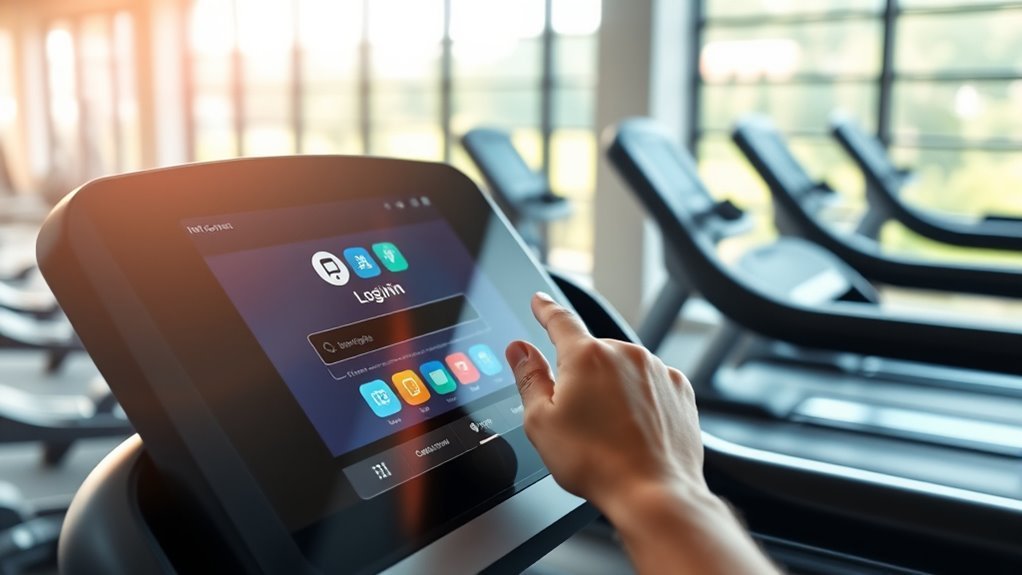
How to Log in to Ifit on Your Treadmill in 10 Simple Steps
To log in to iFit on your treadmill, first make sure it’s connected to Wi-Fi and powered on with the safety key attached. This connection is crucial because iFit needs internet access to sync your workouts and updates.
Once that’s set, find the iFit app on your treadmill console and select the sign-in option.
Next, enter your iFit username or email along with your password. If you’ve forgotten your password, don’t worry—just use the forgot password link to reset it.
After entering your details, tap the sign-in button to proceed.
Sometimes, you might be asked to verify your account through a code sent to your email or phone. This extra security step helps keep your account safe.
Once you’re signed in, you can start enjoying all the features iFit offers, like personalized workouts and tracking.
Keep reading for helpful tips and troubleshooting advice!
Key Takeaways
- Power on the treadmill, attach the safety key, and wait for the console to fully load.
- Connect the treadmill to your home Wi-Fi via the settings menu on the console.
- Locate and open the iFit app from the console’s main screen or apps section.
- Tap the sign-in button, enter your iFit credentials accurately, and submit.
- Follow any verification prompts by entering codes sent to your email or phone.
Ensure Your Treadmill Is Connected to Wi-Fi
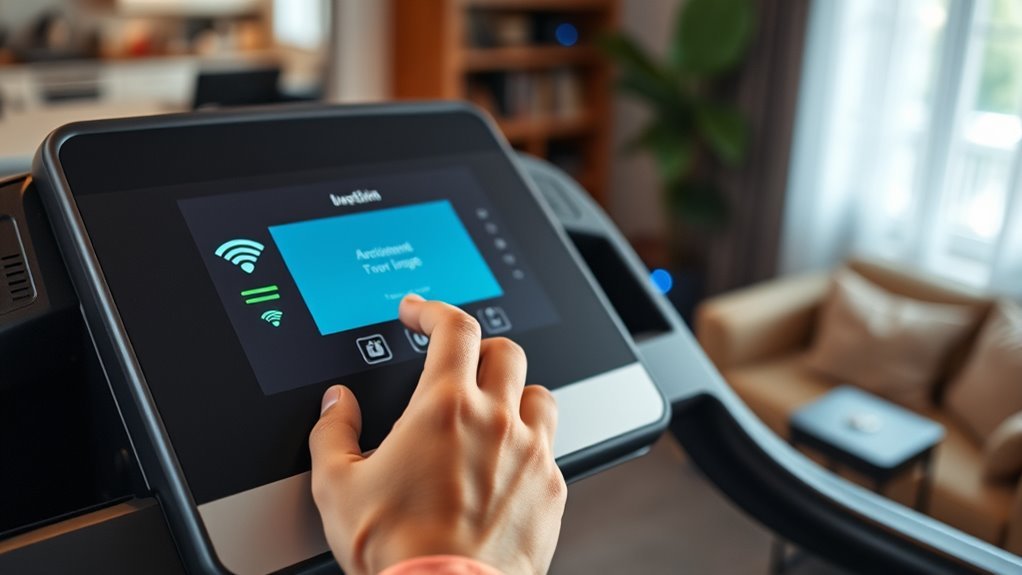
Before you can log in to iFit on your treadmill, make sure the machine is connected to a stable Wi-Fi network. Start by locating the treadmill’s settings menu, usually accessible through the touchscreen or control panel.
Navigate to the Wi-Fi settings, then select your home network from the available list. Enter your Wi-Fi password carefully to avoid connection errors.
If your treadmill struggles to find your network, try moving it closer to your router or removing obstacles that might interfere with the signal. Once connected, confirm the connection status on the screen.
A stable Wi-Fi connection guarantees smooth syncing with iFit, allowing you to access workouts and track your progress without interruptions. If you notice lag or disconnections, check your internet speed to troubleshoot.
Power On Your Treadmill and Access the Console
Once your treadmill is connected to Wi-Fi, power it on by pressing the main power button or plugging it into an outlet if it’s not already powered. Wait a few moments for the console to boot up; you’ll see the display light up and the home screen appear.
Make sure the safety key is securely attached, as many models won’t fully activate without it. If your treadmill has a touchscreen, it should respond once it’s fully powered.
At this point, you’re ready to interact with the console controls. If your treadmill uses physical buttons, familiarize yourself with them to navigate menus easily.
Accessing the console is vital before you can proceed to log in or launch the iFit app, so ensure everything is responsive and ready to go.
Locate the Ifit App on the Treadmill Screen
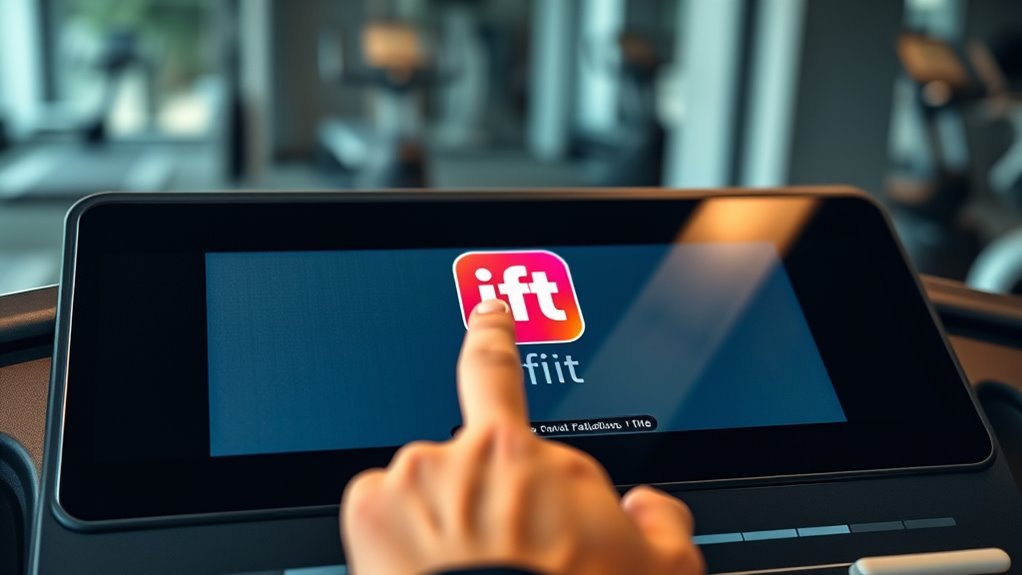
Where can you find the iFit app on your treadmill screen? Once your treadmill powers on and you see the main console, locating the iFit app is straightforward.
Follow these steps:
- Look at the home screen for app icons or a menu.
- Find the iFit logo, which usually appears as a stylized “iFit” text or a green icon.
If it’s not immediately visible, swipe left or right on the touchscreen to browse additional apps. Some models have a dedicated “Apps” or “Fitness” section—tap that to reveal iFit.
Select the Option to Sign In
Once you see the Ifit app on your treadmill screen, look for the sign-in button to get started. Tap it to open the login options available.
From there, you can choose the method that works best for you to access your account. It’s pretty straightforward! Just pick what suits you and you’re all set.
Locate Sign-In Button
To get started, find the sign-in button on your treadmill’s display screen. This button is usually prominently displayed, making it easy to spot once you power on the machine.
Here’s how you can locate it quickly:
- Turn on your treadmill and wait for the main menu to load.
- Look for a button labeled “Sign In” or an icon representing a user profile.
Check the corners or the center of the screen, as the sign-in button is often placed there for accessibility.
If you don’t see it immediately, navigate through the initial options using the touchscreen or physical buttons until you find the sign-in prompt.
Once you’ve located the sign-in button, you’re ready to proceed with logging into your iFit account. Easy, right?
Choose Sign-In Method
After you’ve found the sign-in button, you’ll need to choose how you want to sign in. If it offers several options, such as signing in with your email and password, using a social media account like Google or Facebook, or through a linked device.
Pick the method that’s most convenient for you. If you already have an Ifit account, entering your email and password is straightforward. For quicker access, signing in with a connected social media account can save time.
Make sure to select the correct option on the screen, then enter your credentials accurately. If you don’t have an account yet, some sign-in methods will guide you through creating one.
Choosing the right sign-in method guarantees a smooth start to your workout experience.
Enter Your Ifit Username or Email Address
Once you find the login page on your treadmill, enter your Ifit username or email address in the designated field. Make sure you type it correctly to avoid any login issues.
Double-check the details before moving on to the next step. It’s always good to be sure everything’s right!
Locate Login Page
Where can you find the login page for Ifit on your treadmill? It’s straightforward once you know where to look. Follow these steps to locate it quickly:
First, turn on your treadmill and wait for the main menu to load. Then, look for the “Ifit” icon on the touchscreen display—usually on the home screen.
Tap the Ifit icon to open the app interface. The login page should appear automatically, prompting you to enter your Ifit username or email address.
Input Username/Email
To log in, simply enter your Ifit username or email address in the designated field on the login page. Make certain you type it exactly as you registered—capitalization matters if your username is case-sensitive.
If you use your email, enter the full address, including the “@” and domain (like gmail.com). Avoid extra spaces before or after your input to prevent errors.
If you’re unsure whether to use your username or email, try the one you remember best; either should work. After typing it in, double-check for typos to verify it matches your account information.
This step is vital because the system uses this input to identify your profile and proceed with the login process smoothly. Just take a moment to be sure everything looks right!
Verify Entered Details
After entering your Ifit username or email address, take a moment to carefully verify the details you’ve typed. Ensuring accuracy here helps avoid login errors and saves time.
Follow these steps to confirm your information:
- Check for any typos or misspellings in your username or email.
- Verify that you’ve used the correct case, as some systems are case-sensitive.
- Confirm that you’ve entered the complete email address if you’re using one.
- Double-check for any extra spaces before or after the text.
Input Your Password Securely
Although entering your password might seem straightforward, taking precautions guarantees your information stays safe. When you type your password on the treadmill’s touchscreen, make sure no one nearby can see it.
Shield the screen with your hand or body to prevent shoulder surfing. Use the on-screen keyboard carefully, avoiding repetitive taps that might reveal your password through smudges or visible wear.
If your treadmill offers a password visibility toggle, use it cautiously—hide the password as soon as you finish typing. Never share your password aloud or write it down where others can find it.
Use the Forgot Password Option if Needed
If you can’t remember your Ifit password, don’t worry—you can quickly reset it using the Forgot Password option on your treadmill’s login screen.
Just follow these simple steps:
Just follow these simple steps to quickly reset your Ifit password and get back to your workout.
- Tap the “Forgot Password?” link located below the password field.
- Enter the email address associated with your Ifit account.
Next, check your email inbox for a password reset message from Ifit. When you find it, click the link in the email and create a new password.
Make sure to choose a strong password that you can remember easily. Once reset, just return to your treadmill and enter your new password to log in.
This option helps you regain access without any hassle, so you can get back to your workout smoothly. Easy, right?
Tap the Sign In Button to Proceed
Once you locate the Sign In button on your treadmill screen, tap it to access the login page. This action will prompt you to enter your Ifit credentials.
Make sure you have your username and password ready to proceed smoothly. It’ll make the whole process quicker and easier.
Locate the Sign In
Before you can enjoy the full features of your treadmill, you’ll need to locate the Sign In button on the display. This button is your gateway to accessing iFit’s personalized workouts and tracking tools.
Here’s how to find it quickly:
- Turn on your treadmill and wait for the screen to fully load.
- Look for the main menu or home screen where options are displayed.
- Scan the screen for a button labeled “Sign In” or an icon resembling a user profile.
- The button is usually placed at the top right or center of the touchscreen for easy access.
Once you find the Sign In button, you’re ready to proceed to the next step and tap it to log in. Easy, right? Just a couple of taps and you’re set!
Tap to Access
Although locating the Sign In button is essential, tapping it is your next step to access iFit’s features. Once you spot the button on your treadmill’s screen, simply press it firmly but gently. This action tells the treadmill you’re ready to move forward in the login process.
Make sure your finger is steady to avoid accidental taps on other icons nearby. After tapping, give the screen a moment to respond; it may take a few seconds to load the next interface. This step is vital because it activates the login prompt where you’ll enter your credentials.
Proceed With Credentials
How do you move forward after tapping the Sign In button? You’ll need to enter your login details to access your iFit account on the treadmill.
Follow these simple steps to proceed with your credentials:
- Enter your email address exactly as you registered it with iFit.
- Type your password carefully, paying attention to uppercase and lowercase letters.
- Double-check your entries to avoid typos that might block your access.
- Tap the Sign In button again to submit your credentials and log in.
Once you’ve done this, your treadmill will connect to your iFit profile and unlock personalized workouts and tracking features.
If you enter incorrect info, you’ll see an error—just re-enter your details carefully and try again.
Verify Your Account if Prompted
If you’re prompted to verify your account, you’ll need to follow the instructions carefully to complete the process. Typically, this involves receiving a verification code via email or SMS.
Enter the code exactly as shown to confirm your identity and secure your account. This step helps protect your personal data and guarantees only you can access your Ifit profile on the treadmill.
Here’s a quick reference to handle verification:
| Step | Action | Tip |
|---|---|---|
| 1 | Check your email or phone | Look in spam/junk if missing |
| 2 | Find the verification code | It’s usually 6 digits |
| 3 | Enter the code on treadmill | Type carefully, no spaces |
| 4 | Confirm and proceed | Verification completes login |
Start Using Ifit Features on Your Treadmill
Once you’ve verified your account and logged in, you can start exploring the full range of Ifit features on your treadmill. These features help personalize your workouts and keep you motivated.
Here’s how to get started:
- Select a Workout: Choose from a variety of trainer-led sessions or scenic routes to match your fitness goals.
- Adjust Settings: Customize workout intensity, duration, and incline directly through the Ifit interface.
- Track Progress: Monitor your stats like calories burned, distance, and heart rate in real time.
- Sync Devices: Connect your treadmill with other fitness devices or apps for a thorough health overview.
It’s easy to dive in and make your workouts more engaging. Just pick what fits you best and enjoy the ride!
Frequently Asked Questions
Can I Use Ifit on Multiple Treadmill Models?
Yes, you can use iFit on multiple treadmill models as long as they’re compatible and support the iFit app.
Just log in with your account on each device to sync your workouts and progress seamlessly.
It’s pretty straightforward, so you don’t have to worry about losing your data when switching between machines.
Is Ifit Subscription Mandatory for Treadmill Use?
You don’t have to have an iFit subscription to use your treadmill, but without it, you’ll miss out on personalized workouts, interactive training, and other smart features that really enhance your exercise experience.
That said, if you want a more engaging and guided workout, the subscription is definitely worth considering. It’s all about what kind of experience you’re looking for!
How Do I Update the Ifit App on My Treadmill?
Think of updating your iFit app like watering a plant—it keeps things fresh and growing. Just connect your treadmill to Wi-Fi, navigate to the settings, and select “Check for updates.”
That way, you can download and install the latest version without any hassle. It’s a quick step that makes a big difference for your workouts!
Can I Sync Ifit With Other Fitness Devices?
Yes, you can sync iFit with other fitness devices like heart rate monitors and smartwatches. Just connect them through the iFit app’s settings, and you’ll get a more thorough workout tracking experience.
It’s pretty straightforward to set up, and once connected, your data will flow seamlessly between devices. This way, you get a complete picture of your fitness progress without the hassle of manual input.
What Should I Do if the Treadmill Won’T Connect to Ifit?
If your treadmill won’t connect to iFit, don’t panic. First, check your Wi-Fi and restart the treadmill.
If that fails, update the firmware or reset the device. Still stuck? Contact iFit support for help.
Conclusion
Now that you’ve logged in, get ready—because your treadmill is about to transform workouts like never before. Imagine personalized coaching, exciting challenges, and immersive routes just a tap away.
But don’t stop here; explore every feature Ifit offers and watch your fitness journey take off.
The next step? It’s all in your hands. Are you ready to access the full potential of your treadmill experience?
The adventure starts now. Dive into the world of Ifit on your treadmill, and discover how this powerful platform can make every workout more engaging and effective. With personalized workouts and interactive training, your treadmill sessions will never be the same. So, lace up and start exploring all the features that Ifit on your treadmill has to offer. Your fitness journey is about to get a serious upgrade!